A Nexus Software Laboratories product
Skweel
Don't let your queries be a hog. Send query performance to the moon.
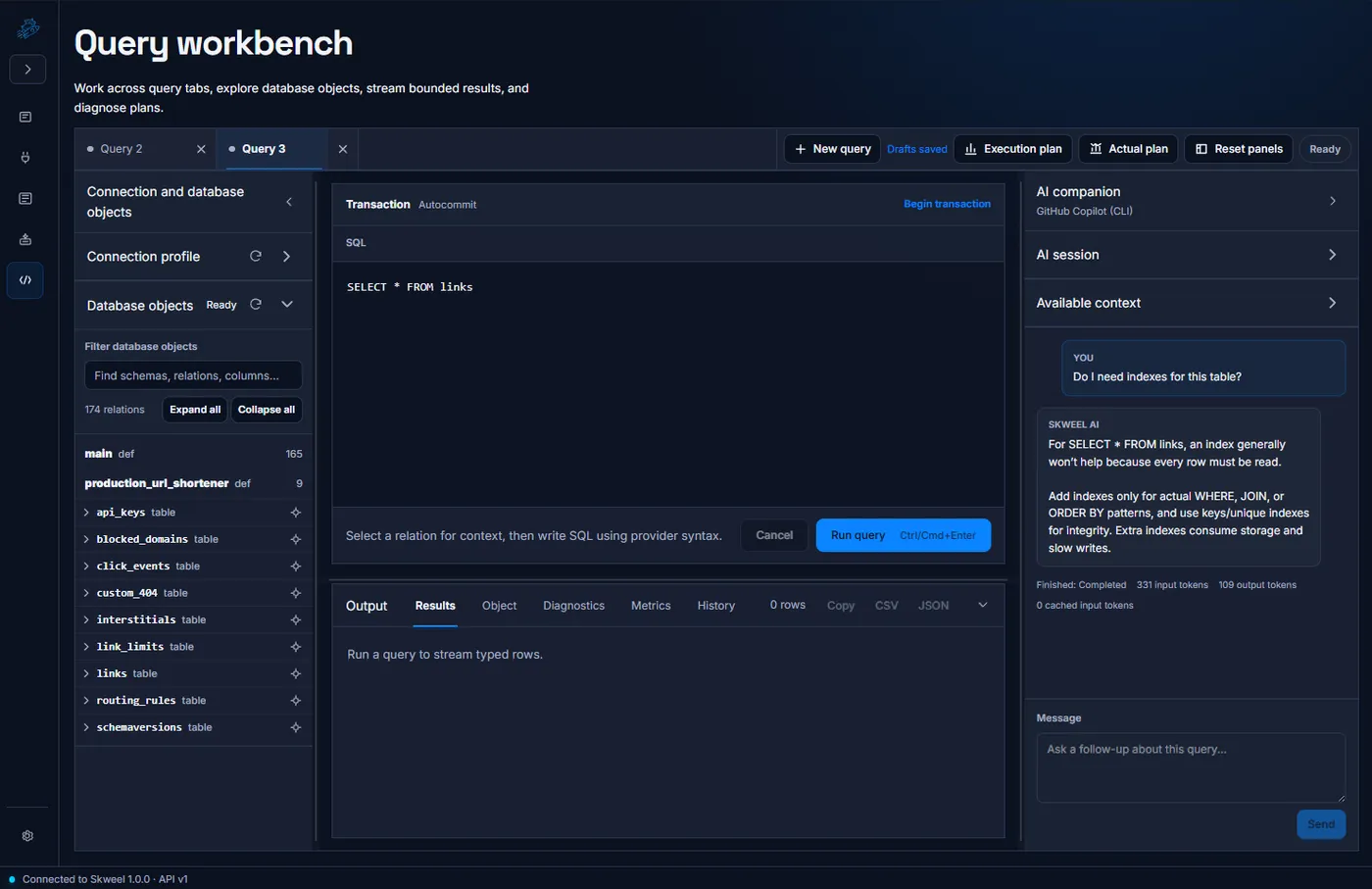
Understand your database, investigate slow queries, and keep an AI companion beside the SQL you are working on.
Why Skweel
A slow query rarely comes with an explanation. You need to understand the tables it touches, the indexes it could use, and the tradeoffs behind a proposed change. Skweel brings that investigation into one workbench, so you can move between the database, your SQL, and a conversation about what to try next.
Keep your preferred AI provider, connect through the database extensions you need, and use the same workbench locally or against an organization-hosted server. The goal is a more connected workflow: less copying context between tools, more time understanding the database and improving the query.
Real Query Intelligence
Ask about the SQL in front of you, examine a proposed change, and understand what to validate before taking it further.
Bring Your Own AI Provider
Amazon Bedrock, Anthropic Claude, Azure OpenAI, GitHub Copilot, Google Gemini, Ollama, OpenAI, or any OpenAI-compatible endpoint. Switch providers without changing how you work.
See the Bigger Picture
Explore tables, columns, indexes, and relationships in a schema graph, then return to Query with the database context you need.
A Workbench That Grows
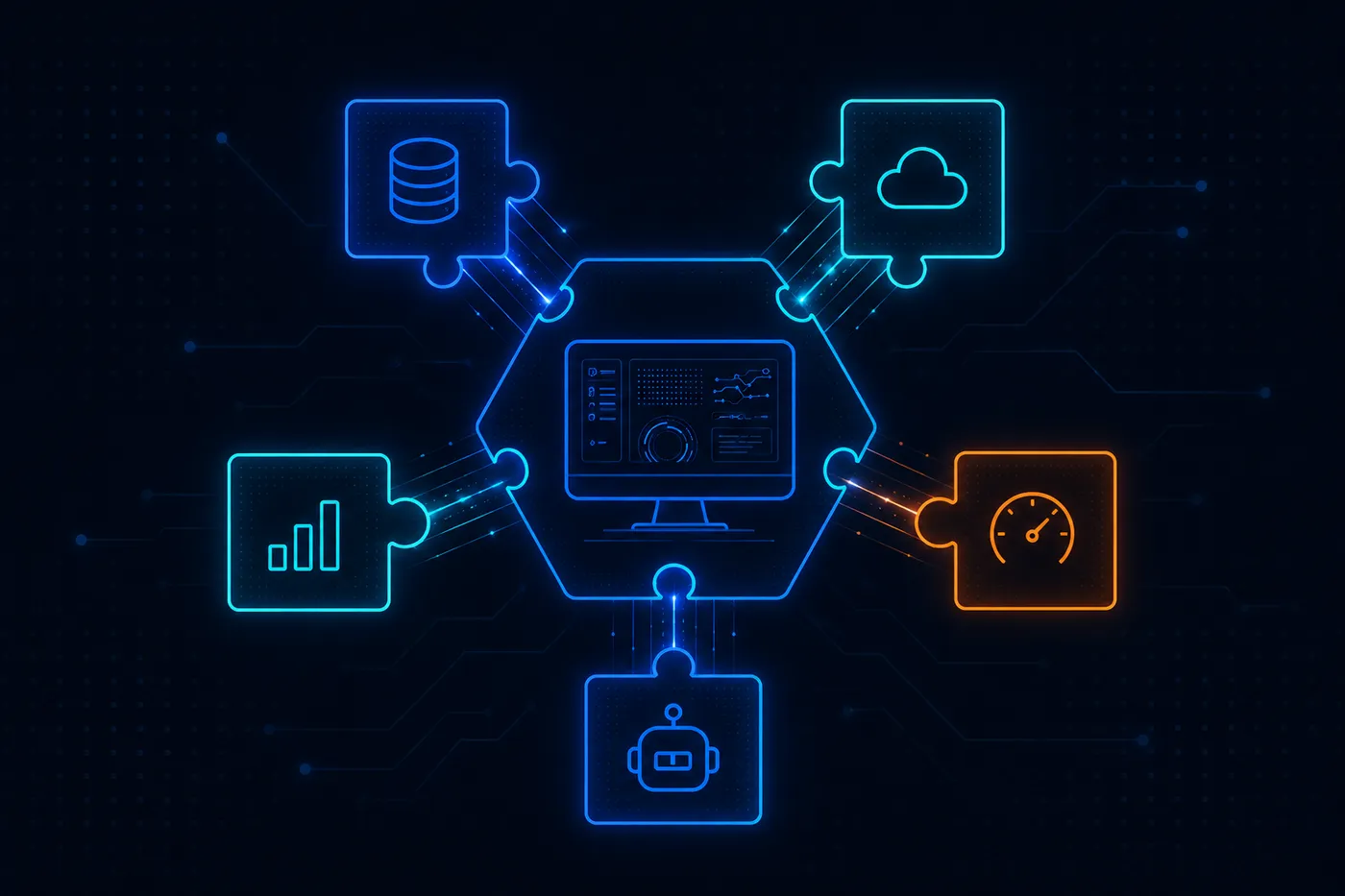
Add database and AI provider extensions without replacing your workbench. Choose the capabilities that fit your stack.
Send query performance to the moon
Go beyond noticing that a query is slow. Work through the SQL, inspect the database context, and ask what a different approach could change.
An index recommendation is more useful when you understand why it might help. Bring questions about filtering, joins, and access patterns into the same place you write the query. Use the explanation to decide what to investigate, then validate the change against your database rather than treating an AI suggestion as the final answer.
Query plans and provider-reported metadata give the conversation something concrete to work with. Keep the path from a question to a candidate improvement short, without losing sight of the workload you are actually trying to improve.

Performance
Tune it. Ship it. Move on.
Keep your workflow as your stack changes
Your database choice and your AI choice should not force you into a different workbench. Add the providers you need and keep the surrounding workflow familiar.
Work from the desktop application with its local server, connect that application to an organization-hosted server, or use the hosted workbench in a browser. Choose the arrangement that suits where your databases live and how your team works, without maintaining a separate client for each mode.
Database extensions expose the capabilities they support, from metadata to query execution and plans. Skweel keeps those differences visible rather than pretending every database works the same way. You can choose a provider for the job while keeping the rest of the workbench consistent.
Plugin-Based
Your stack. Your plugins. Your workbench.
An AI companion for your queries
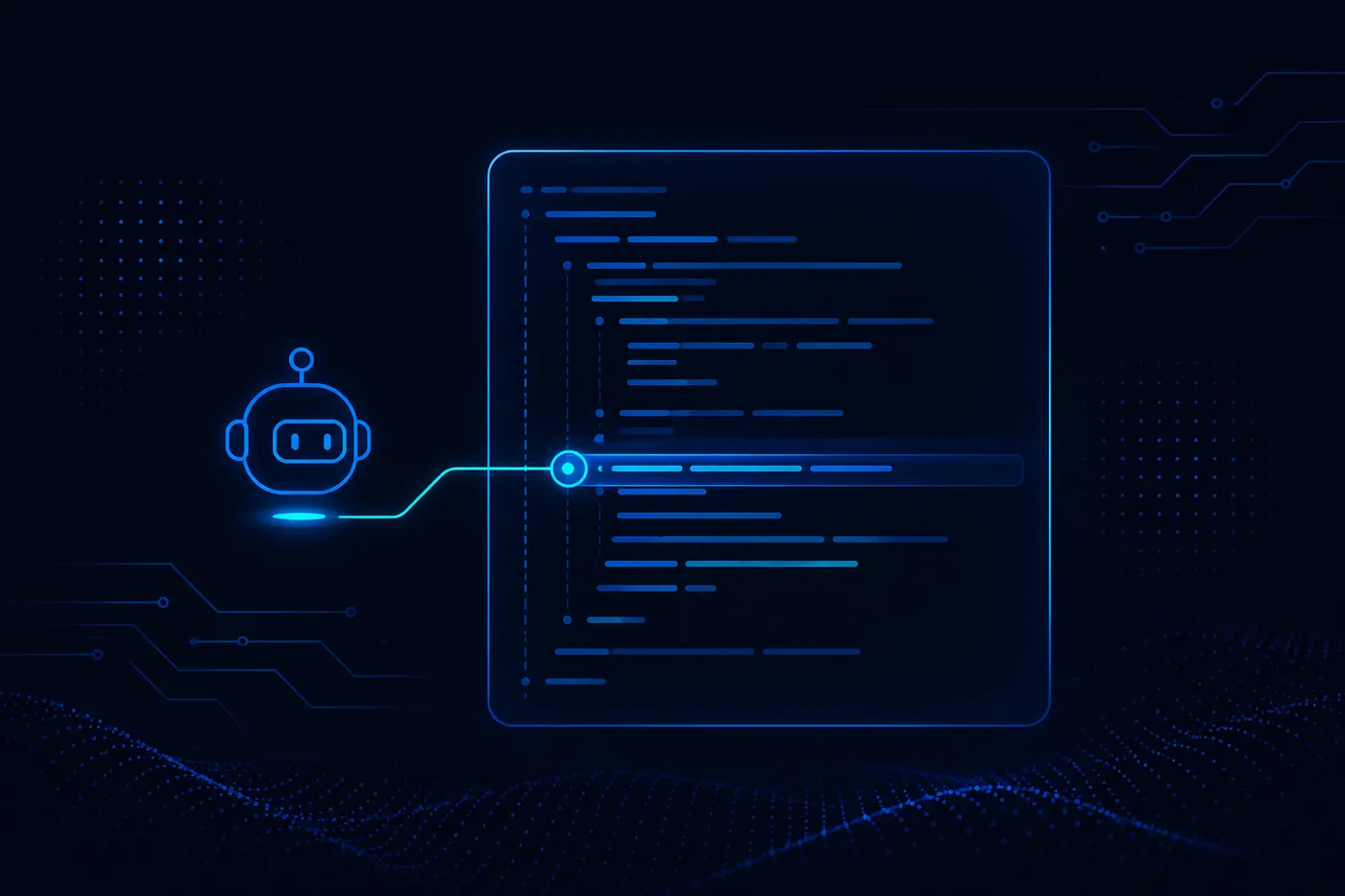
Keep the conversation beside your work. Ask for an explanation, explore a tuning idea, or talk through the database before committing to the next query.
The companion belongs in the investigation, not in a separate chat window where you have to reconstruct the context from scratch. Work through a question, ask a follow-up, and examine the reasoning behind an answer while the relevant SQL and database remain close at hand.
For a wider view, open Schema Graph to explore the tables and relationships reported by your provider. Discuss the database from there, then open a table in Query when you are ready to work with it. Understanding the structure and writing the SQL become parts of the same task.
Agent-Augmented
Ask anything. Get a specific answer.
Bring your own AI provider
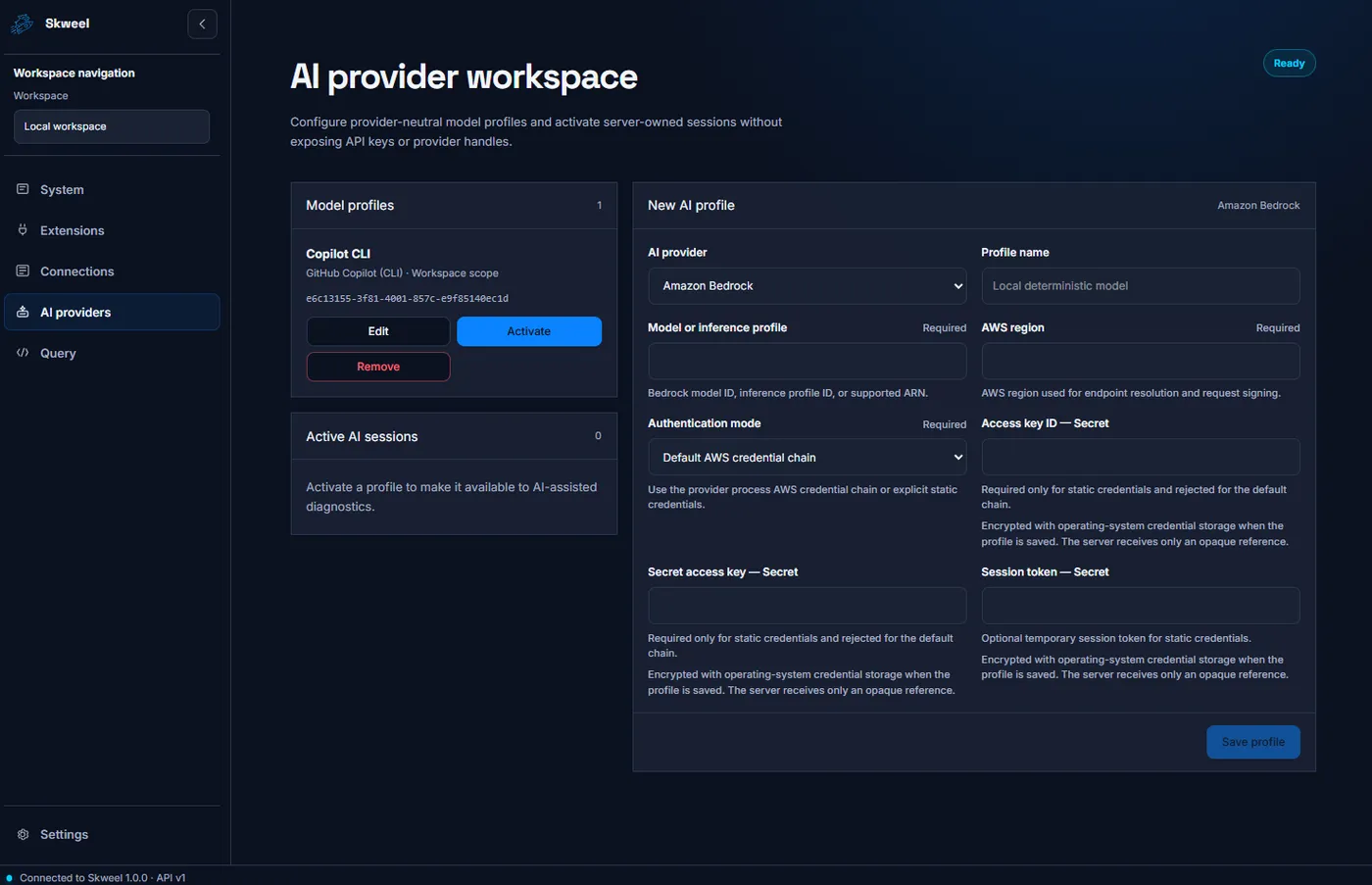
Use the AI service that fits your account, infrastructure, and preferences. Skweel supports provider profiles for cloud services, local Ollama models, and OpenAI-compatible endpoints.
Choose from Amazon Bedrock, Anthropic Claude, Azure OpenAI, GitHub Copilot, Google Gemini, Ollama, OpenAI, and compatible endpoints. Keep the provider settings in a saved profile instead of rebuilding the workbench around a single vendor.
Provider capabilities differ, including which tools a model can use. That choice remains part of your setup: select the provider and profile appropriate to the work you want to do, then keep the conversation within the familiar database workflow.
Add capabilities without replacing the workbench
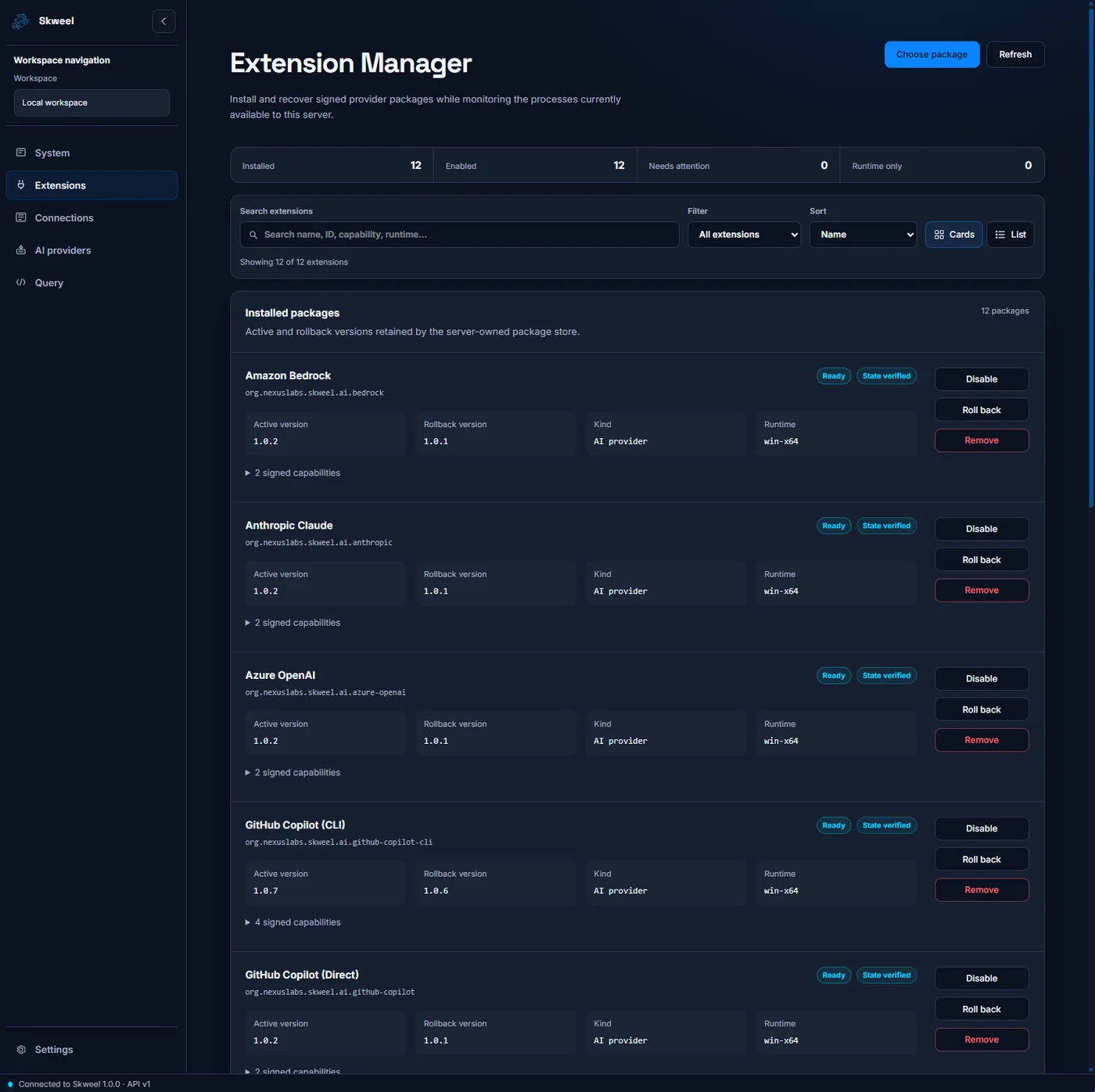
Install the database and AI extensions you need, manage their versions, and keep control over what is enabled.
The extension manager gives provider updates a place in the workflow. See which packages are installed, check their state, disable what you do not need, and use retained versions when a rollback is appropriate. Extending the workbench does not require starting over with another application.
You can also connect external AI tools through Skweel's MCP access workspace. Issue a revocable credential for one saved database profile and choose the available read-only capabilities it should expose. Give a tool the context it needs without handing it an unrestricted connection configuration.
Works with
- SQLite
- MySQL
- PostgreSQL
- SQL Server metadata preview
Bring your own AI
- Amazon Bedrock
- Anthropic Claude
- Azure OpenAI
- GitHub Copilot
- Google Gemini
- Ollama
- OpenAI
- OpenAI-compatible
Common questions about Skweel
Can I use Skweel locally or with a hosted server?
The desktop application can run its bundled local server or connect to an organization-hosted server. The hosted distribution also serves the workbench to browsers, so the same client fits different deployment needs.
Which database capabilities are available?
Provider packages include SQLite, MySQL, PostgreSQL, and SQL Server. Query, plan, transaction, and export capabilities depend on the provider; SQL Server currently offers connection and metadata discovery as a preview.
Can my other AI tools use Skweel's database context?
The MCP access workspace provides explicit client configuration and profile-bound credentials. Choose the available metadata, estimated-plan, or bounded read-query permissions, and revoke the grant when it is no longer needed.
How can I hear when Skweel is available?
Choose Get Skweel updates to join the Skweel email list on Kit. Confirm your email address to receive availability news and occasional product updates from Nexus Software Laboratories. You can unsubscribe anytime.